Expert Guide to Database Cleanup in WordPress
Introduction
A well-optimized WordPress site is a key factor for SEO success. However, over time, your database can accumulate unnecessary data and slow down your site’s performance. In this guide, we will discuss the best practices to clean up your WordPress database effectively.
Video Tutorial: Database Cleanup in WordPress

In this video, Daniel Roch provides a comprehensive guide to spring cleaning your WordPress site for improved SEO performance.
Video Tutorial: The Best Database Cleanup Plugins for WordPress
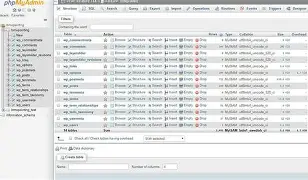
In this video, Harik Patel demonstrates how to use two free plugins, WP Optimize and Database Cleanup, to clean up your WordPress site’s database and improve its performance.
Optimizing Your Database
To optimize your WordPress database, follow these steps:
- Deactivate and uninstall unnecessary plugins.
- Install the WP Optimize plugin or similar database optimization tool.
- Run the optimization process to remove unnecessary data from your database.
Conclusion
A well-maintained WordPress site is essential for SEO success. Regularly cleaning up your database can help improve its performance and ensure that it remains lightweight and fast.
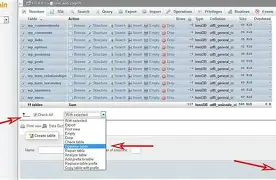
Remember to keep your plugins up to date and only install what you need to ensure optimal performance.